
Ups Calculator
An uninterruptible power supply (UPS) keeps your computer, network or small server running through short outages and lets it shut down safely in longer ones. This calculator adds up your equipment’s power draw, recommends a UPS size in watts and VA with sensible headroom, and estimates how long a battery will last — or how much battery you need for the runtime you want. (This page is about battery backups, not parcel shipping.)
- Free to use
- No sign-up
- Runs in your browser
Quick answer
To size a UPS, add each device’s watts, multiply by 1.20–1.30 for headroom, then choose a UPS with a watt rating above that result. To calculate VA, divide the required watts by the UPS power factor, such as 0.9. For runtime, battery watt-hours are volts × amp-hours, then reduced for inverter efficiency and fast discharge.
UPS sizing and runtime calculator
| Device | Watts | Qty |
|---|
UPS Planning Pack
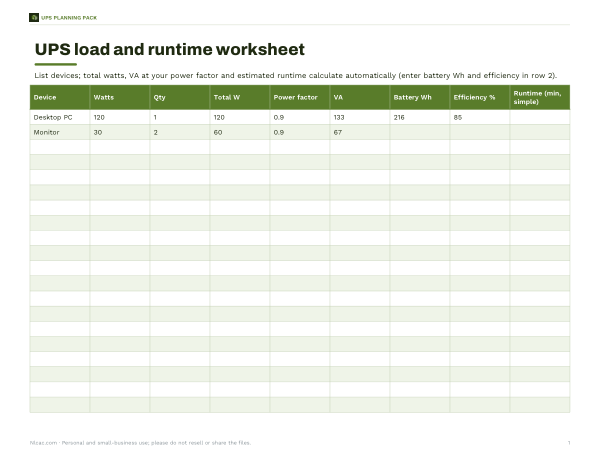
Excel UPS load and runtime worksheet, a device power inventory, a battery replacement log and a power-outage checklist.
- Load worksheet (XLSX)
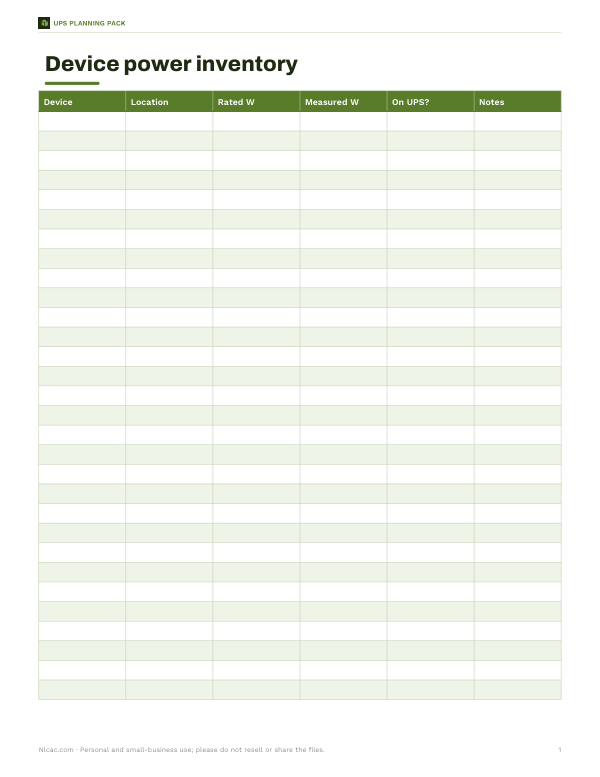
- Power inventory (PDF/DOCX/XLSX)
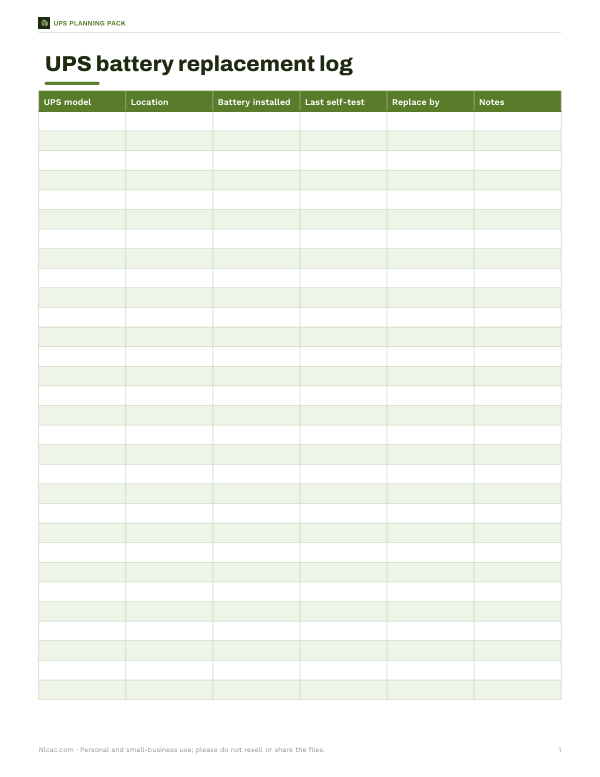
- Battery log (PDF/DOCX/XLSX)
- Outage checklist (PDF/DOCX)
Formats: XLSX, PDF, DOCX. Instant download after payment (link valid 72 hours, up to 5 downloads). AI-assisted: the templates were drafted with AI help and reviewed and laid out before publishing.
$3.00 USD, one-time 4 files · about $0.75 each
- Instant download
- 7-day refund
- Secure checkout by Stripe
7-day money-back guarantee. Full refund within 7 days of purchase, even after you download.
Free sample: Device Power Inventory (PDF, 50 KB)
Full refund within 7 days — see the refund policy and license.
Free printables
Single sheets you can print right now, no sign-up. The full pack adds every sheet in one download plus the editable files.
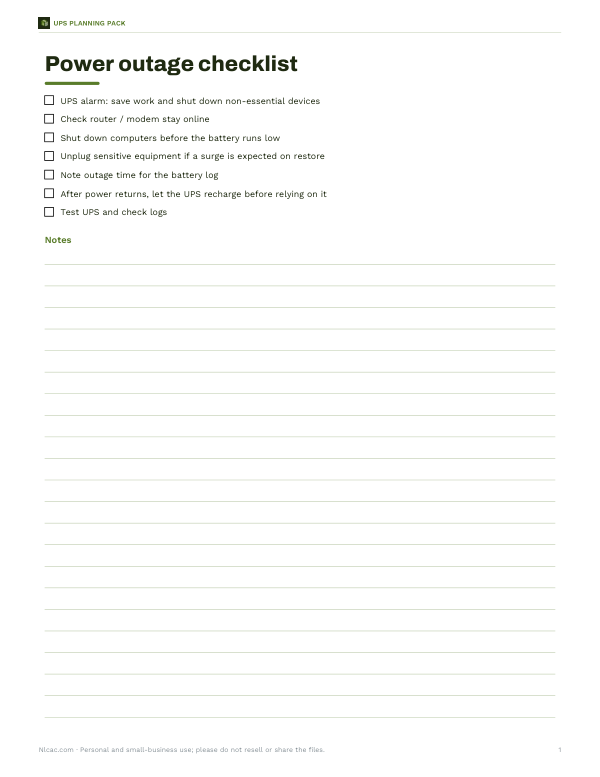 Printable Power Outage Checklist
UPS calculation formulas
Use these formulas to check the calculator results or size a UPS by hand.
| What to find | Formula | Example |
|---|---|---|
| Total load watts | Sum of device watts × qty | 120 W + 60 W + 12 W + 10 W = 202 W |
| Required UPS watts | Load W × (1 + headroom) | 202 W × 1.25 = 253 W |
| Required UPS VA | Required W ÷ power factor | 253 W ÷ 0.9 = 281 VA |
| Battery energy | Battery V × battery Ah | 24 V × 9 Ah = 216 Wh |
| Usable energy before rate adjustment | Wh × inverter efficiency | 216 Wh × 0.85 = 184 Wh |
| Basic runtime check | Usable Wh ÷ load W × 60 | 184 ÷ 202 × 60 = 55 min before discharge reduction |
VA, watts and power factor
UPS units are rated in two numbers: volt-amperes (VA) and watts (W). Watts are the real power your equipment uses; VA is the apparent power, which is higher for many electronic loads. The ratio W ÷ VA is the power factor. A “1500 VA / 900 W” UPS has a power factor of 0.6; many newer models are 0.9 or 1.0. Size by watts first — the load in watts must stay below the UPS watt rating — and treat the VA figure as a second check.
How the calculator works
- Add each device’s power in watts and how many you have. Use the label, the manual, or a plug-in power meter for real figures.
- Add headroom — 20–30% is common — so the UPS isn’t running at its limit and has room for growth.
- The suggested size is the smallest common UPS rating whose watt capacity covers the load with headroom.
- Runtime is estimated from battery energy (volts × amp-hours), inverter efficiency and a reduction for high discharge rates.
- For a target runtime, it works backwards to the battery energy needed.
Worked example: home office
| Device | Watts |
|---|---|
| Desktop PC (office) | 120 |
| Two monitors | 60 |
| Router | 12 |
| Modem | 10 |
| Total | 202 W |
| With 25% headroom | ≈ 253 W |
| At power factor 0.9 | ≈ 281 VA → a 350 VA / 315 W unit or larger |
| Battery: 24 V × 9 Ah | 216 Wh |
| Estimated runtime | about 41 minutes |
In practice, many people choose a larger unit (for example 600–1000 VA) for longer runtime and future equipment. The runtime estimate here includes 85% inverter efficiency and a reduction because the battery is being discharged fairly quickly.
Typical power draw
| Device | Typical watts |
|---|---|
| Office desktop PC | 60–150 W |
| Gaming PC under load | 300–600 W |
| Laptop while charging | 45–100 W |
| 24–27 in monitor | 20–40 W |
| Router or modem | 5–15 W each |
| NAS with 2–4 drives | 20–60 W |
| Small server | 100–300 W |
| Laser printer (printing) | 400–800 W — usually not recommended on a UPS |
These are typical ranges; your equipment may differ. A plug-in energy meter gives the real figure for your setup.
UPS types
| Type | How it works | Good for |
|---|---|---|
| Standby (offline) | Switches to battery when power fails | Basic PCs and routers |
| Line-interactive | Also corrects sags and surges without using the battery | Home offices, small servers — the most common choice |
| Online (double conversion) | Always powers equipment through the inverter | Sensitive or critical equipment, unstable power |
Check whether the output is a pure sine wave or a stepped/simulated sine wave: some computer power supplies with active power factor correction work best with pure sine wave output.
Getting the most from a UPS
- Plug only essential devices into battery-backed outlets; use surge-only outlets for printers and chargers.
- Install the UPS’s shutdown software so computers close down safely when the battery runs low.
- Keep the UPS in a cool place — heat shortens battery life.
- Replace batteries every few years, or when the UPS warns — sealed lead-acid batteries typically last about 3–5 years.
- Test the UPS occasionally by unplugging it from the wall with non-critical equipment attached.
Runtime versus load
Battery runtime does not scale in a straight line. Halving the load usually more than doubles the runtime, because batteries deliver more of their stored energy when discharged slowly. That is why the same UPS might run a router and modem for hours but a gaming PC for only a few minutes. If a long runtime matters, keep only the essentials on battery — for example, just the router, modem and a laptop.
Not suitable for
Small UPS units are designed for electronics. Motors, heaters, hair dryers, space heaters and laser printers draw high or surge currents that can overload them. For whole-house backup, sump pumps or furnaces, look at dedicated backup systems or generators, sized with an electrician.
Planning pack
The optional pack includes an Excel UPS load and runtime worksheet for several rooms or racks, a device power inventory, a battery replacement log and a power-outage checklist. The calculator above is free.
AI-assisted content
This page was drafted with AI assistance and reviewed before publishing. Figures are estimates; follow the manufacturer’s specifications and runtime charts.
Frequently asked questions
How do I calculate VA for a UPS?
Add the watts for all devices, add headroom, then divide by the UPS power factor. For example, 253 W ÷ 0.9 = 281 VA, so choose a UPS whose VA and watt ratings both exceed the need.
What inputs do I need for an online UPS battery backup calculation?
You need each device’s watts and quantity, the UPS power factor, desired headroom, battery voltage, battery amp-hours, inverter efficiency, and any target runtime.
Can I size a UPS by VA only?
No. Always check the watt rating too, because a UPS rated 1500 VA may be rated for only 900 W if its power factor is 0.6.
What size UPS do I need?
Add up your equipment’s watts, add 20–30% headroom, and choose a UPS whose watt rating exceeds that.
What is the difference between VA and watts?
Watts are real power; VA is apparent power. W ÷ VA is the power factor.
How long will a UPS run my computer?
It depends on the load and battery; enter your devices to estimate it.
Can I plug a laser printer into a UPS?
Generally not into the battery outlets; its heater draws large surges.
How often should UPS batteries be replaced?
Often every 3–5 years for sealed lead-acid batteries.
Is this the UPS shipping calculator?
No — this page is about uninterruptible power supplies (battery backups).
Should I choose a pure sine wave UPS?
It is the safest choice for computers with active-PFC power supplies and sensitive equipment.
How much headroom should I leave?
About 20–30% above your measured load.
Can a UPS protect against surges?
Yes, most include surge protection, and line-interactive and online units also correct voltage sags and swells.